Song files from previous releases of PowerWorship (e.g. PowerWorship 3.x) can be imported using the following steps.
- Click the File menu, and then select Import.
- Select the option to Import Songs from PowerWorship 3.x.

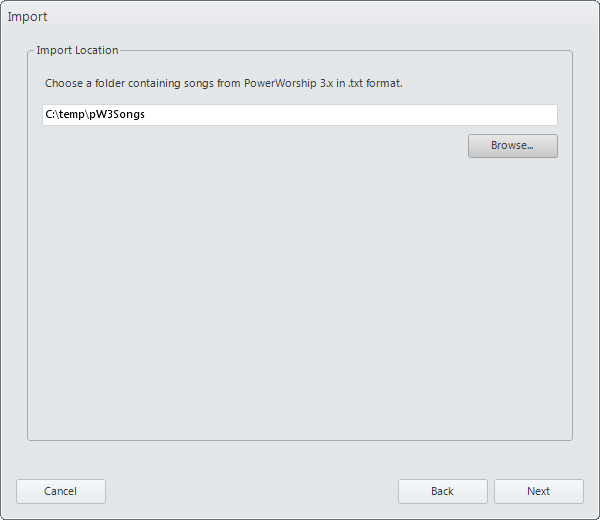
- Enter a directory path or browse for a folder containing songs from PowerWorship 3.x.
- Choose the songs to import. Click the Select All button to select all songs or select the individual songs to import (e.g. using ctrl + click to select non-contiguous songs, or shift + click to select contiguous songs), and then click Finish.

-
Review the import results, and then click Close.

Related Topics
Backing Up Your Database
Adding Songs
Creating Collections