- Click the File menu, and then select Export
- Select the Export Style Settings option, and then click Next.

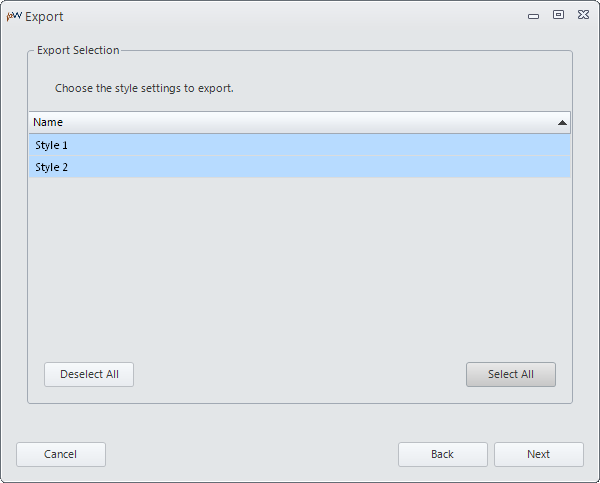
- Choose the style settings to export, and then click Next.
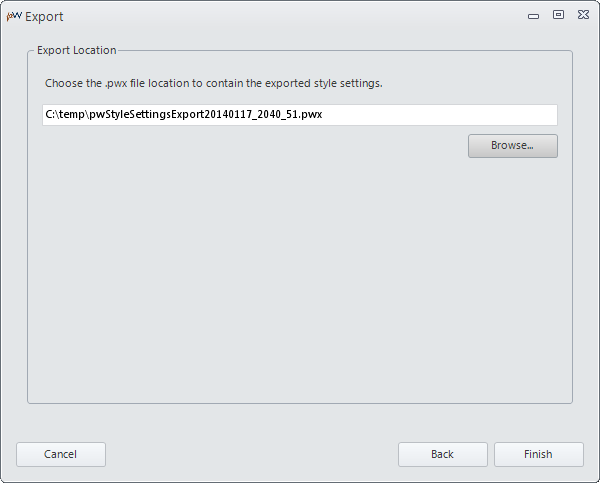
- Choose the export file location, and click Finish.
- Review the export results, and click Close.

Related Topics
Importing Style Settings