Saving Groups
After selecting a group of songs and/or organizing them into a desired order, you can save the songs as a group.
To save a group:
- Click on the Save button in the Song Groups section.
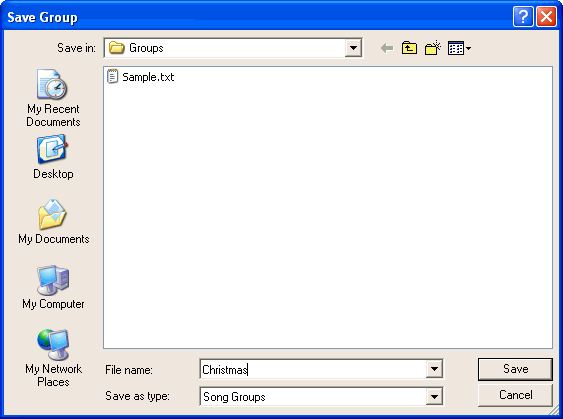
- Type a meaningful name for the group into the Save Group dialog box and then click the Save button.